News & articles / Meeting rooms
Five meeting-room setups that impress every client
by admin · February 2026 · 5 comments
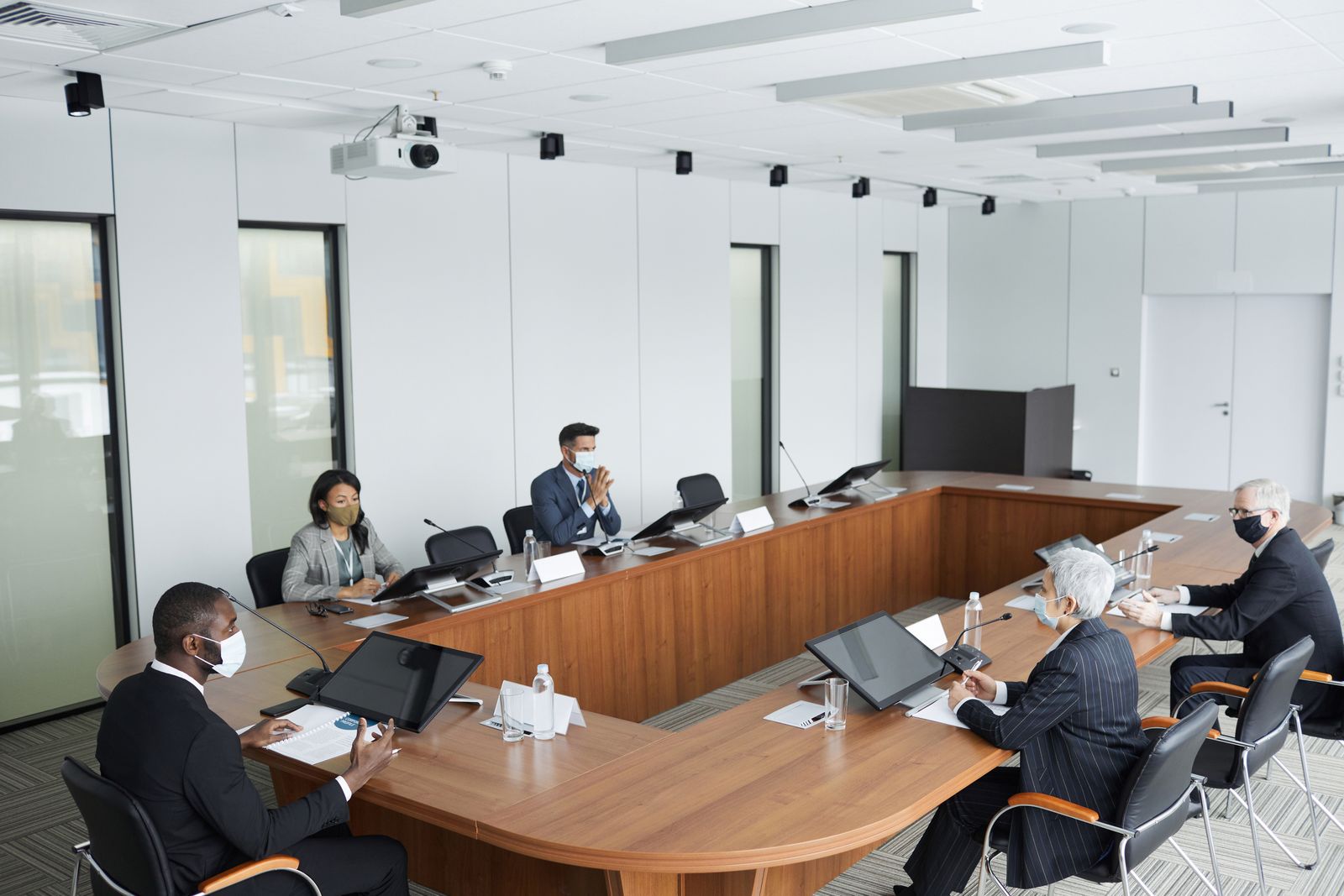
The same pitch lands differently around a boardroom table than it does in a circle of armchairs. After hosting thousands of meetings, here are the five layouts our members request most — and when to use each.
1. The classic boardroom
One long table, chairs both sides, screen at the head. Best for decisions: proposals, negotiations and sign-offs. Keep groups under twelve so everyone stays in the conversation.
2. The open circle
No table, just chairs in a ring. Best for honesty: retrospectives, brainstorms and difficult conversations where hierarchy should disappear for an hour.
3. The classroom
Rows facing the screen, space for laptops. Best for teaching: workshops, demos and training sessions where one person leads and the rest follow along.
4. The lounge pitch
Sofas, coffee table, no screen at all. Best for trust: first meetings and chemistry checks, where you want talking, not slides.
5. The hybrid studio
Camera, microphones and a screen showing remote faces life-size. Best for distributed teams: everyone equal, nobody a tiny square in the corner.
Tell our hosts the outcome you want, and we'll set the room to match — it takes us ten minutes and costs you nothing.
All thirteen Brightdesk Commons rooms can be arranged any of these ways. Browse the meeting rooms or book by the hour.